Updates

Verification of people now on auto

In August we taught Legatus to say when it could not confirm a role. Honest, but it left the work with you. A person marked "verify first" still had to be verified by someone.

Now Legatus does the checking.

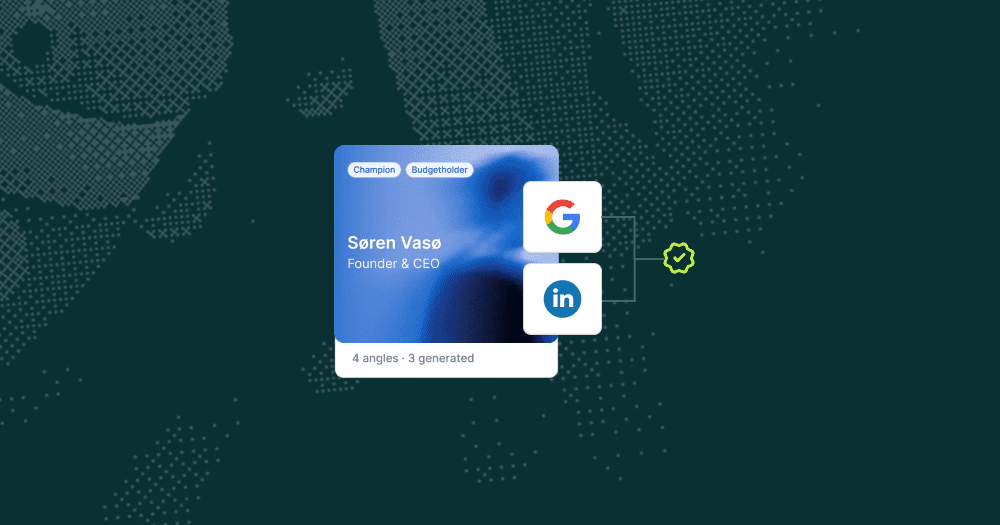
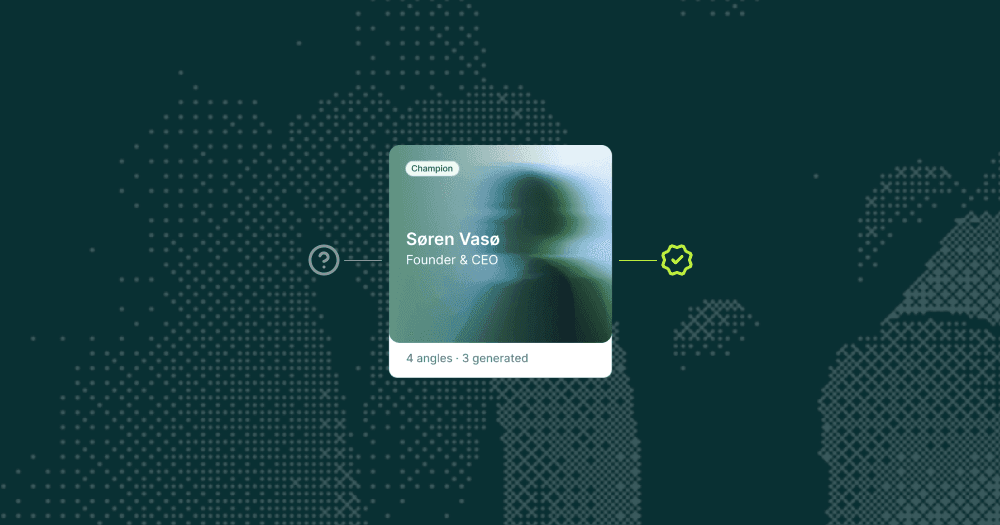
Every person passes a verification step. After research, Legatus looks for current, dated public evidence that each person still holds the role. It marks them Confirmed, Probably departed or Unknown, and shows you what it found.

Departed people leave the Playbook. Someone who has moved on is taken off the roster. They appear once on the Intelligence tab under Probably departed, with a was → now line, the date and the corroborating sources. Strategy never recommends contacting them. It flags the vacated role instead.

Confirmed people carry a date. A verified person reads "Confirmed on LinkedIn 8 Sep 2026", so you know when it was last checked. A roster title that looked stale is upgraded when the live evidence agrees.

Missing profile links get filled in. When name and company match cleanly, the link is added with the source cited.

Fewer "verify first" warnings. The August rule still stands, but it now only fires on people Legatus could not settle either way.

Accounts you have already built show the new format without a rebuild.

Financials now rest on the latest filed year

Revenue and result in research and strategy come from the most recent filed accounts, named with year and level (group or legal entity). Older years show as direction only, never as a standalone number or a news item. Multi-year criteria like "declining revenue two years running" are judged on the latest filed years. Known limit: company registers answer intermittently, so a failed lookup is held back as Unknown rather than replaced by an old figure.

Also shipped: Legatus

This release brings Legatus to 1.07.

  • Company names written as one word (from a web address) now match the two-word spelling used elsewhere, so people at those accounts get the same verification.

  • A confirmed person whose public headline is worded differently (same role, other language) keeps their confidence grade. Fewer false "verify first" warnings.

Also shipped: Platform
  • Login emails now come branded as "Log in to Republik" with plain wording. Corporate spam filters were trapping the generic default.

  • Intelligence tab: Sources and Reading material no longer print raw web addresses. Sources read publisher, title and type with the title as the link.

  • Intelligence tab: section cards give text more room at the edges, and long links wrap instead of stretching the card.

  • Small design polishes on empty states and margins around the platform.

Connect Republik to AI tools with MCP

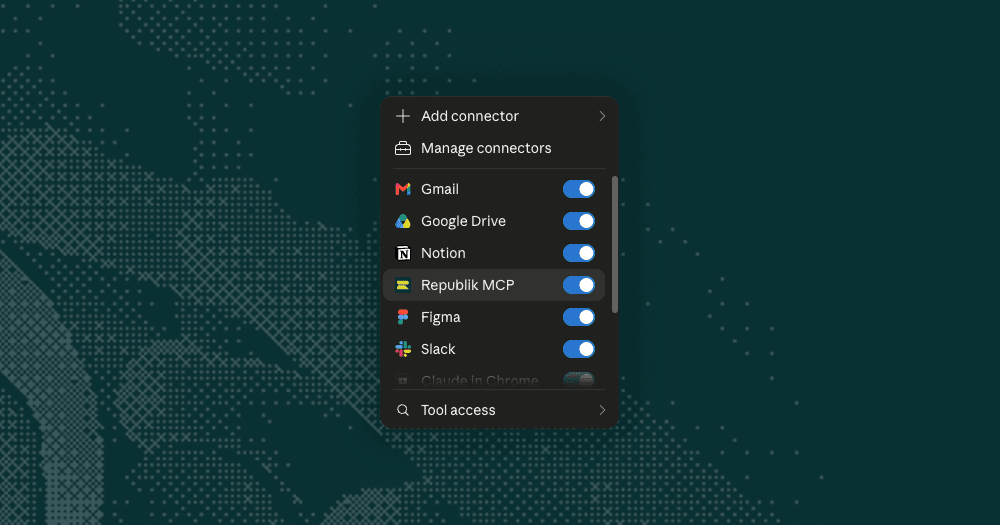
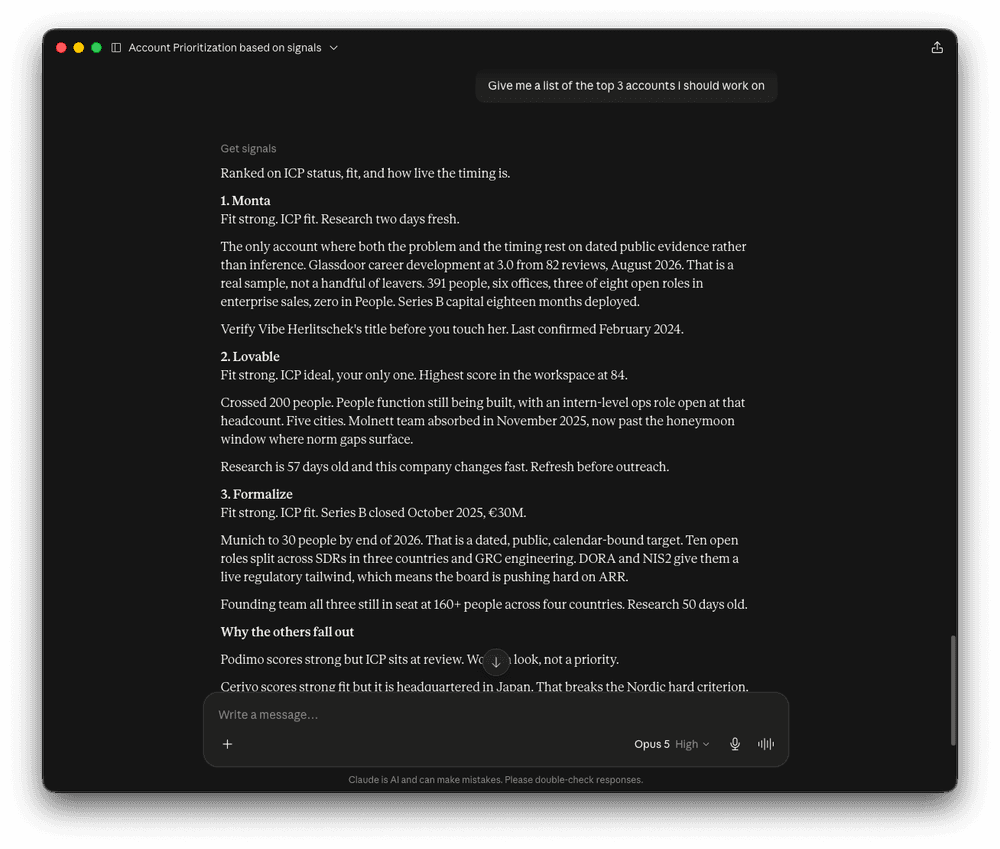
Your account playbooks now work inside the AI you already use. Connect Republik to Claude, ChatGPT or any other tool that supports MCP, and it can see your whole account list and pull the full playbook on whichever accounts your question needs.

The intelligence then sits in the same conversation as your CRM, your inbox and your calendar. Ask about an account and you get both sides. Your relationship with them, and what is happening at their end.

Five things your AI can read

  • List accounts. Every account in your workspace, with fit, segment and how fresh the research is

  • Get account brief. The account story, the people and their role in the decision, why this account, why now, why us

  • Get approach. The play, the first move, per-person angles, talking points, objections

  • Get signals. What research surfaced on timing, hiring and news

  • Get content. Your saved outreach drafts, one per person and angle

See more examples on how to use these functions in the product launch post.

Two ways to connect

Connect by URL. Paste app.runrepublik.com/api/mcp into your AI tool's connector dialog. Then a sign-in form will open and you sign in to Republik the way you normally do, and you can start using your Account Playbooks inside your AI.

You can also connect with a key. Create one under Settings, paste it into any tool that expects a key.

It reads only, either way. Your AI cannot generate, change or delete anything. Settings lists every app you have connected and every key you have created, so you can disconnect an app or revoke a key at any point. Access stops immediately.

Step by step setup for each tool is here: Connect Republik to your AI tools.

Fixes and improvements
  • Removing someone from Users now ends their access immediately. The list also shows everyone who can sign in to your workspace

  • Owners is now called Users. An account can still have an owner as always, but the owner comes from your user list

  • Your profile photo shows in the top-right menu, next to a new What's new? link

  • The same email can no longer be added to a workspace twice

  • A cleanup pass across the product: plain language instead of raw technical errors in nine places, and dead help links removed

Role confirmation before anchoring in strategy added

When you anchor a strategy on a specific person, you want to be sure it's the right person.

We found examples of people who were no longer at the company still showing up in playbooks, because the evidence of them leaving was never there. That's common practice: companies announce who they hire, not who left.

In one case, Legatus listed a Head of Marketing as the person to approach at an account, and the whole strategy pointed at her. She had left the company eight months earlier. Three separate directories still showed her in the role, none of them dated, and she had changed her surname, so a search on her old name and the company turned up nothing to contradict them.

Legatus now treats an undated directory listing as identification, not as proof that someone still holds the job. To call a role current it needs a live profile, a dated mention from the last twelve months, or the company's own team page. It also runs a departure check on the name by itself, which is what catches a name change.

When none of that confirms the role, Legatus marks it as low confidence and notes when the title was last publicly confirmed. The strategy then puts verification as the first step rather than building an approach on a person who may have moved on.

The wider rule is the same one everywhere in the playbook now: a fact Legatus couldn't verify can't carry the argument. It won't anchor Why now, Why us or the first move on something unconfirmed, and where the research contradicts itself, it shows you the conflict instead of quietly picking a side.


Legatus 1.05
  • Person profiles stay about the person. Funding rounds, headcount and expansion news were creeping into individual profiles as filler. They now appear only when the person did the thing.

  • Dates are absolute. No more "last quarter" or "recently". Playbooks name the month and year, and flag timing windows that may already have closed.

  • No agent arithmetic. Legatus reports figures as sources state them rather than calculating its own.

  • Full workspace language. Headings, labels and outcomes on the strategy surface now follow your workspace language, not just the body text.

  • These changes bring Legatus to 1.05.

Fixes and improvements
  • Owners are now called Users. More people need the account data than just the person working and owning the account, marketing folks included.

  • Invite status now shows on the new Users page. Invited or Active, so you know whether someone has logged in for the first time from the email you sent them.

  • Your profile photo now shows in the user menu.

  • “What’s new” added to the user menu so you have easy access to read this change log.

Runway weight added to timing signals

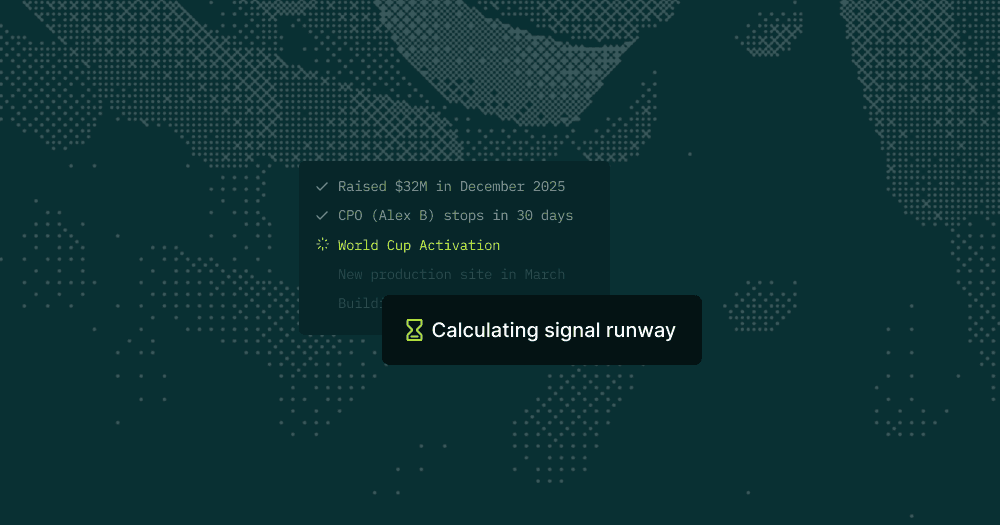
A timing signal is only useful if there is still time to use it. An account can be in the middle of something big, but if the moment crests before your first email lands, it was never an opening.

Legatus now weighs the runway on every timing signal it finds. When it builds the “Why now” section of a playbook, it anchors on events that are live and still have room to act, not events that will have passed by the time you reach out.

Take two signals.

"They're running a big World Cup activation" is happening right now, and right now feels like the perfect moment. But when the final whistle blows, the campaign comes down and the moment goes with it.

"They opened a new production site this spring" sounds like old news, but the ramp-up behind it runs into next year. Live is not the same as open. Legatus now judges how much road is left, not how recent the event is.

The result: when a playbook says now, you can trust that now still means something by the time you pick up the phone.


Legatus 1.03
  • Playbooks now come out fully in your workspace language. The account overview on the Intelligence surface could slip into English on non-English workspaces.

  • Cleaner account overview output. A formatting bug added stray punctuation in some overviews. Fixed.

  • These fixed updates Legatus to 1.03

Fixes and improvements
  • Long playbook runs are more reliable. Fast-tracking a strategy run could fail on accounts that took longer to build. That failure path is gone.