Connect Republik to AI tools with MCP
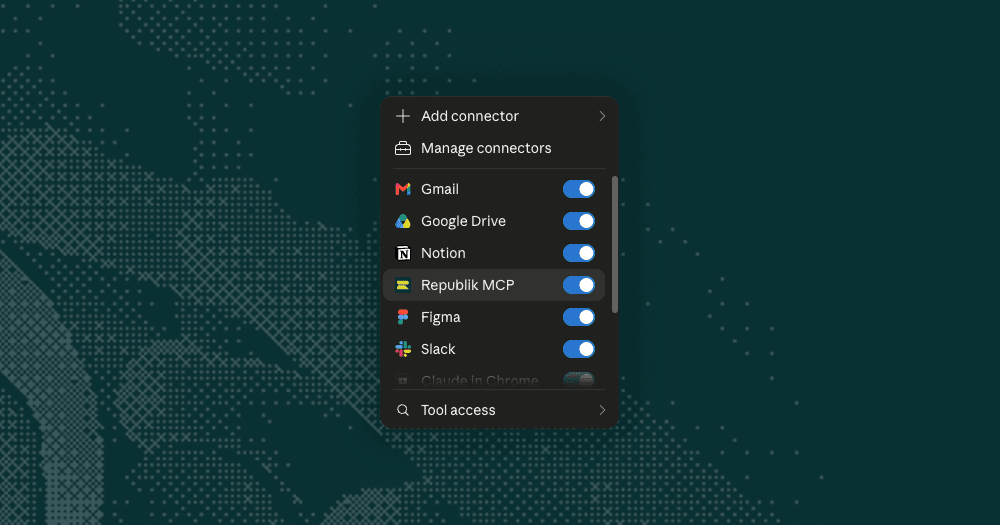
Your account playbooks now work inside the AI you already use. Connect Republik to Claude, ChatGPT or any other tool that supports MCP, and it can see your whole account list and pull the full playbook on whichever accounts your question needs.
The intelligence then sits in the same conversation as your CRM, your inbox and your calendar. Ask about an account and you get both sides. Your relationship with them, and what is happening at their end.
Five things your AI can read
List accounts. Every account in your workspace, with fit, segment and how fresh the research is
Get account brief. The account story, the people and their role in the decision, why this account, why now, why us
Get approach. The play, the first move, per-person angles, talking points, objections
Get signals. What research surfaced on timing, hiring and news
Get content. Your saved outreach drafts, one per person and angle
See more examples on how to use these functions in the product launch post.
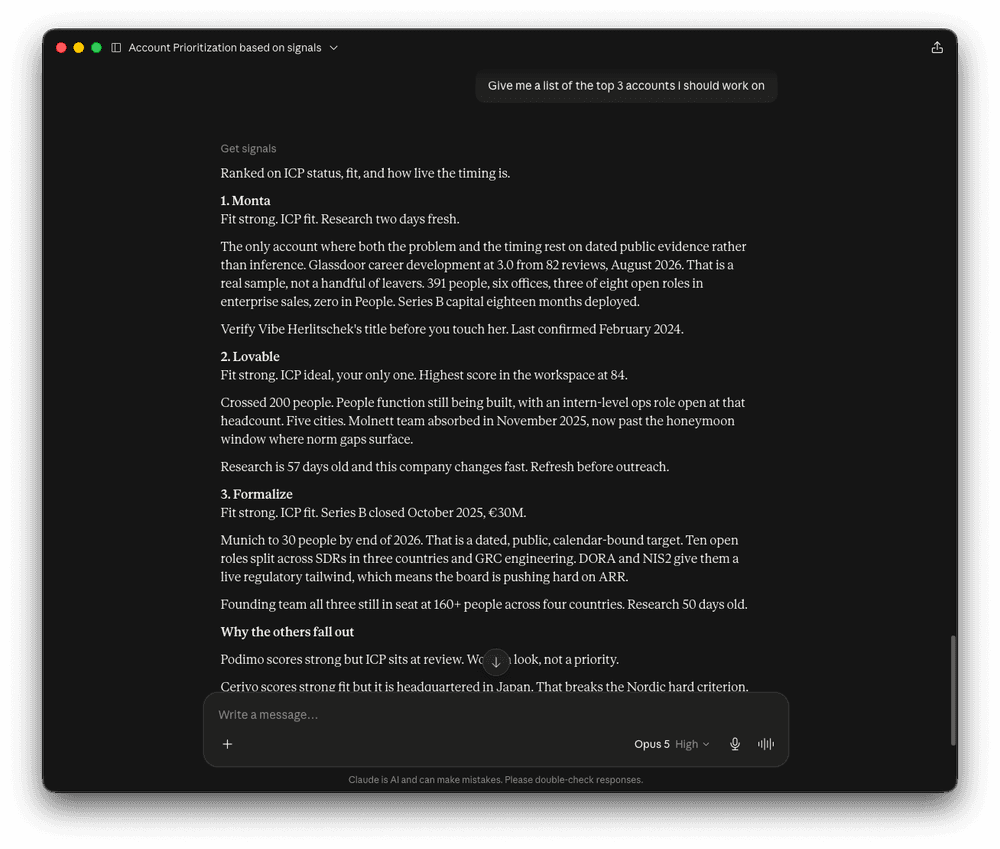
Two ways to connect
Connect by URL. Paste app.runrepublik.com/api/mcp into your AI tool's connector dialog. Then a sign-in form will open and you sign in to Republik the way you normally do, and you can start using your Account Playbooks inside your AI.
You can also connect with a key. Create one under Settings, paste it into any tool that expects a key.
It reads only, either way. Your AI cannot generate, change or delete anything. Settings lists every app you have connected and every key you have created, so you can disconnect an app or revoke a key at any point. Access stops immediately.
Step by step setup for each tool is here: Connect Republik to your AI tools.
Fixes and improvements
Removing someone from Users now ends their access immediately. The list also shows everyone who can sign in to your workspace
Owners is now called Users. An account can still have an owner as always, but the owner comes from your user list
Your profile photo shows in the top-right menu, next to a new What's new? link
The same email can no longer be added to a workspace twice
A cleanup pass across the product: plain language instead of raw technical errors in nine places, and dead help links removed
← All changes